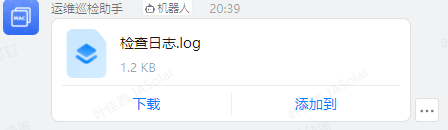
钉钉机器人发送文件到指定群
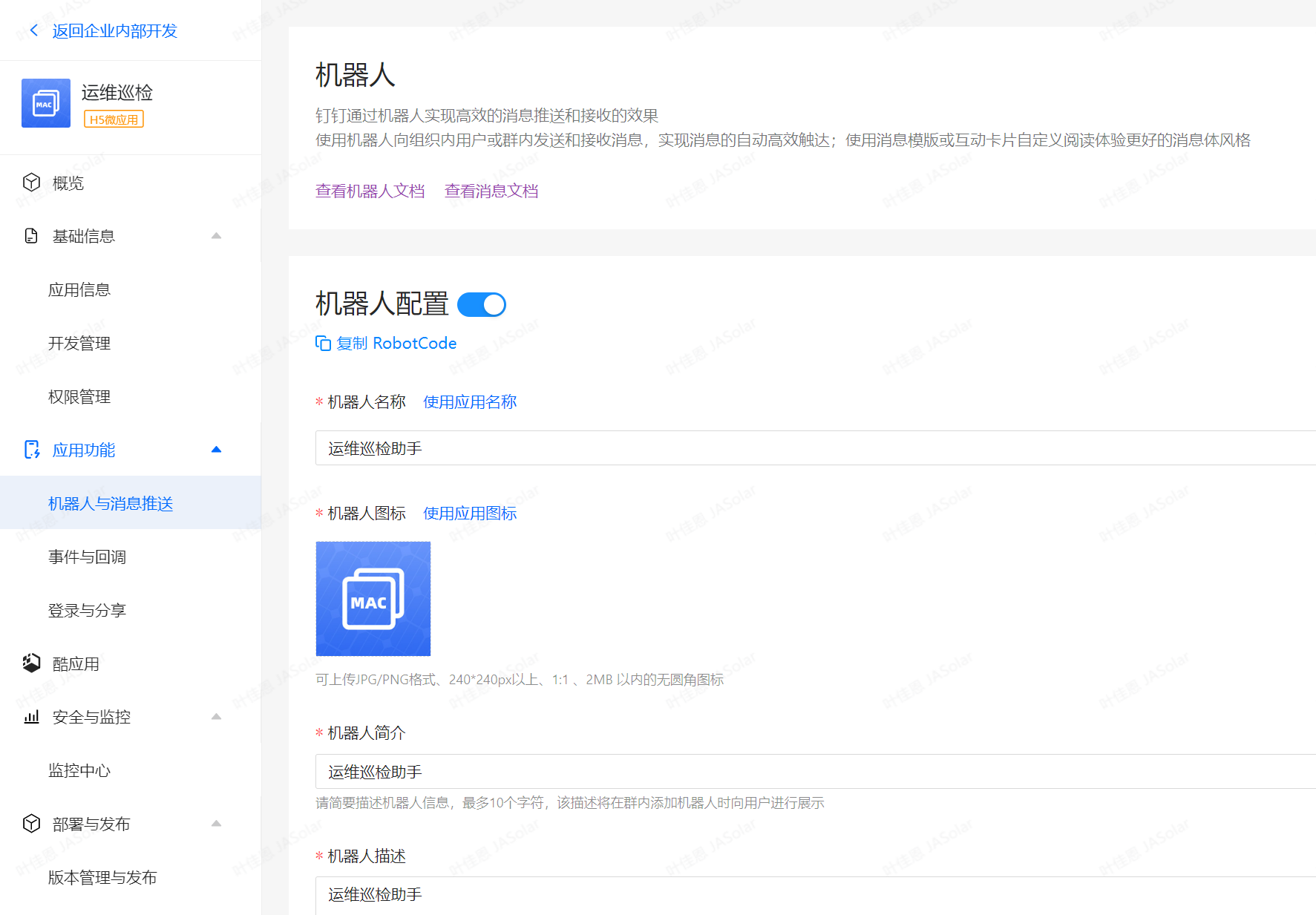
1、创建机器人
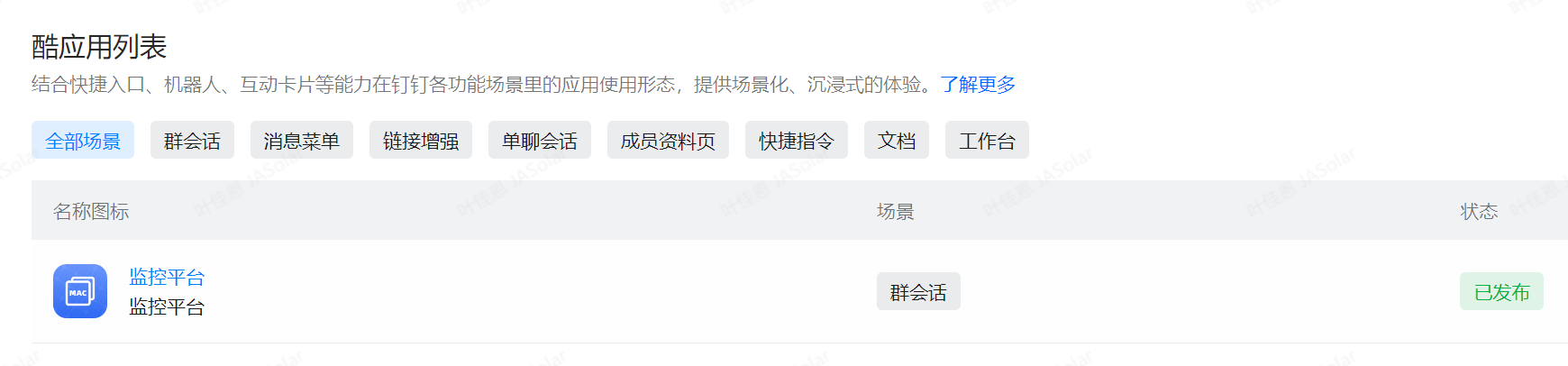
2、创建酷应用
3、官方说明文档:https://open.dingtalk.com/document/orgapp/the-robot-sends-a-group-message
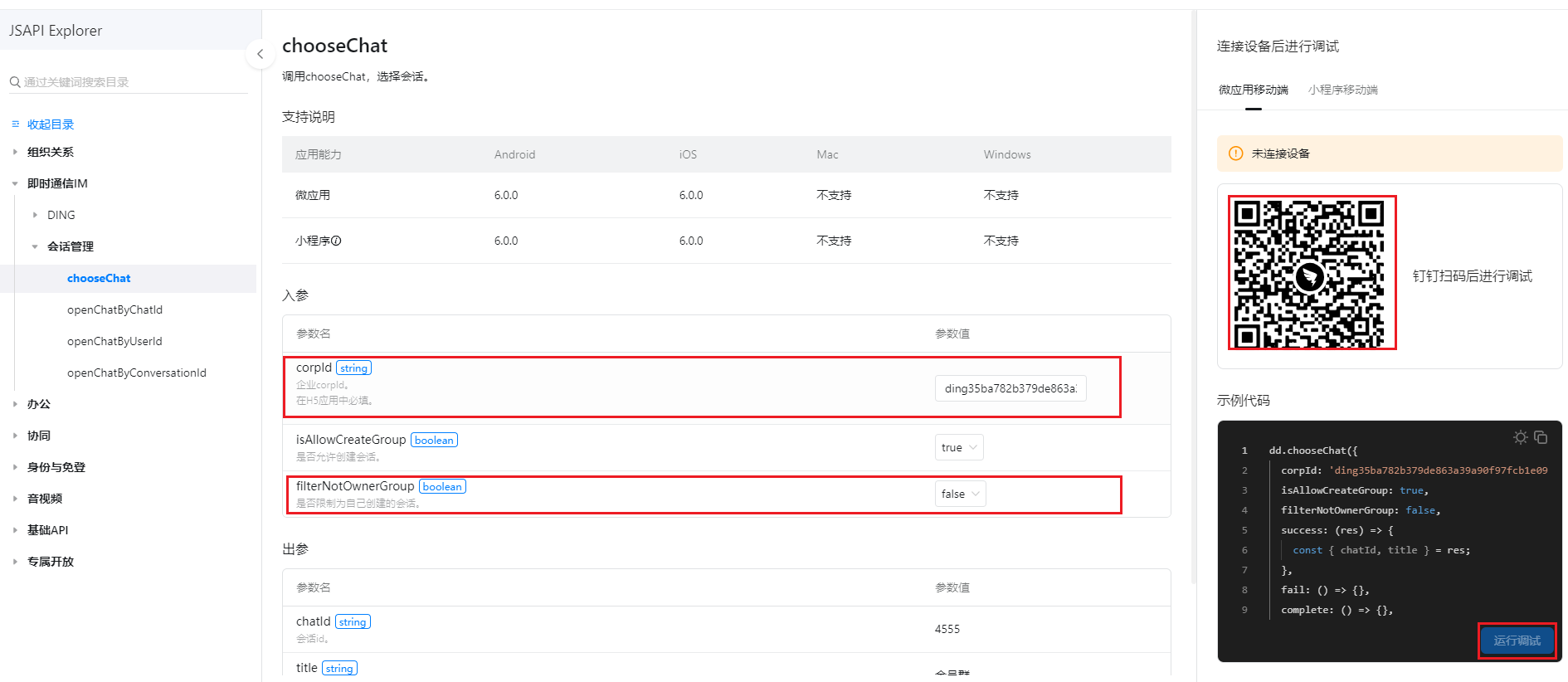
4、根据官方指导文件,获取关键参数值openConversationId、robotCode、coolAppCode
4.1、openConversationId的值需要填写企业corpId,并通过钉钉手机端扫描后,点击运行调试获取,扫描后手机端会跳群列表,选择指定群后openConversationId即可获取到对应值
企业crpid值:https://open-dev.dingtalk.com/

openConversationId值:https://open.dingtalk.com/tools/explorer/jsapi?id=10303
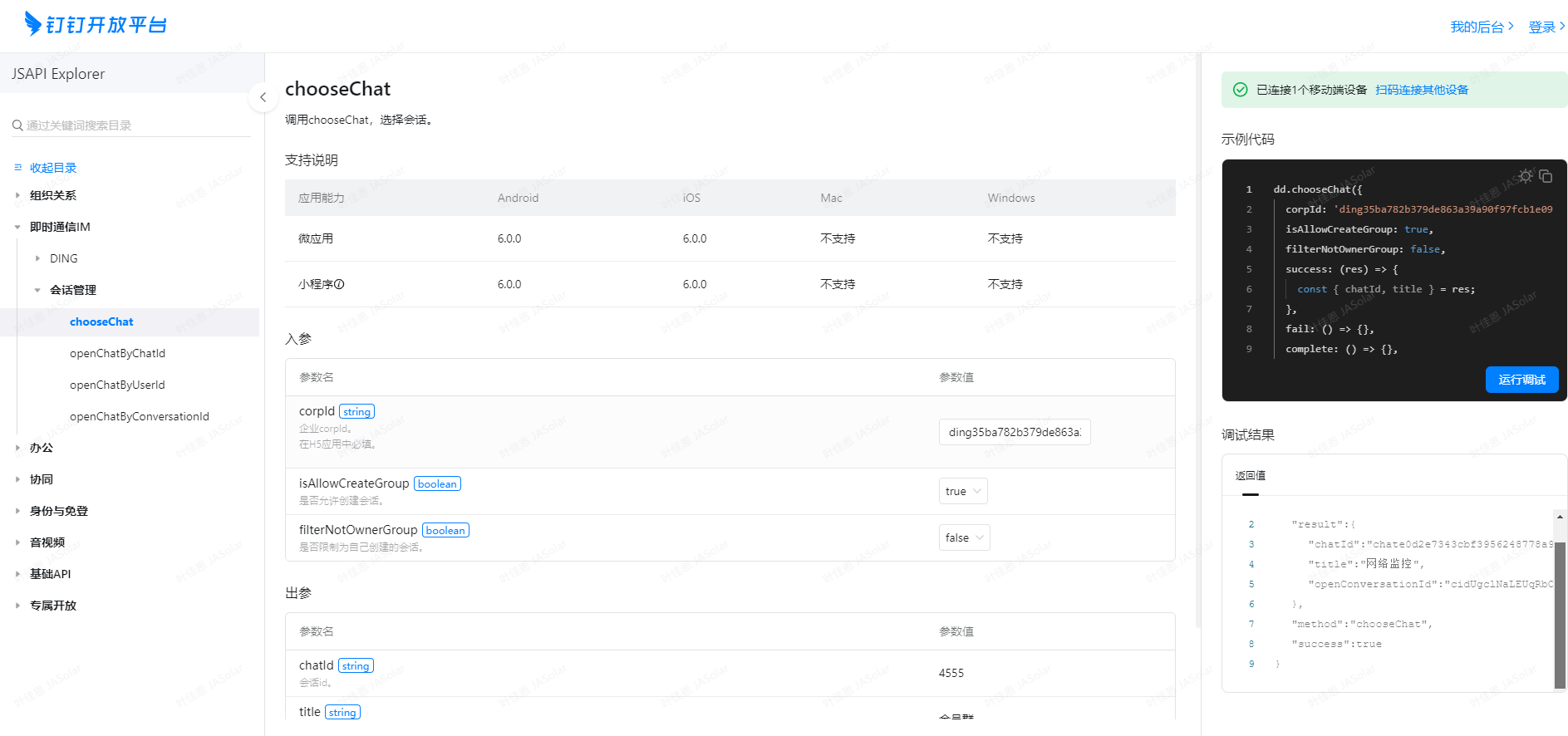
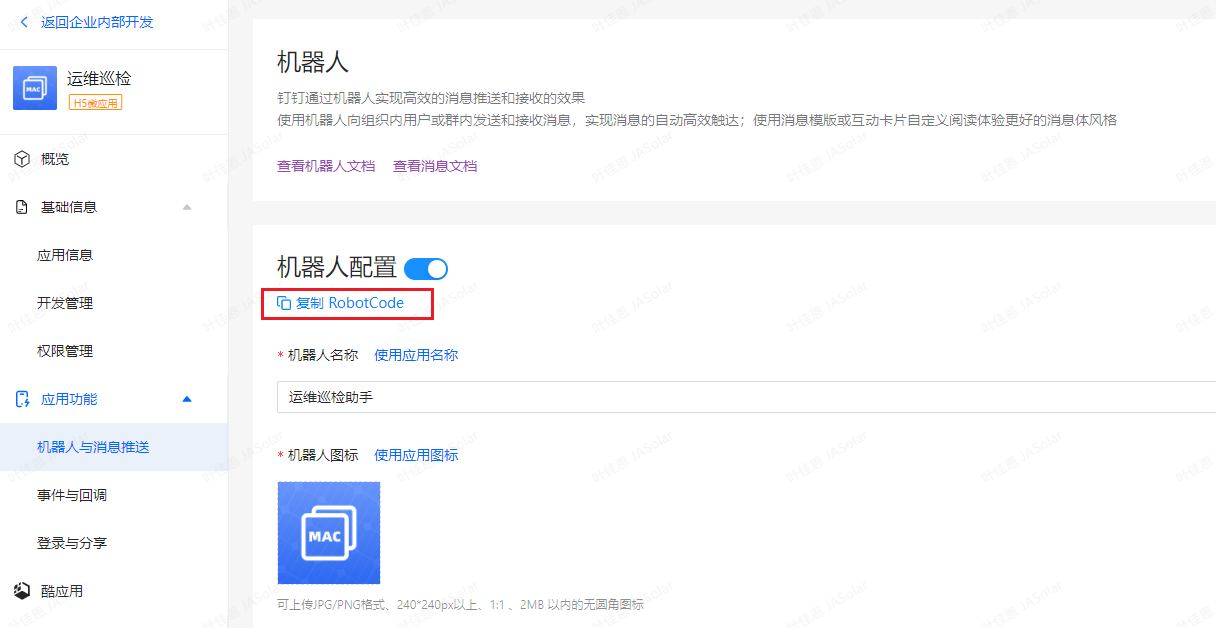
4.2、robotCode在创建的机器人应用上取得
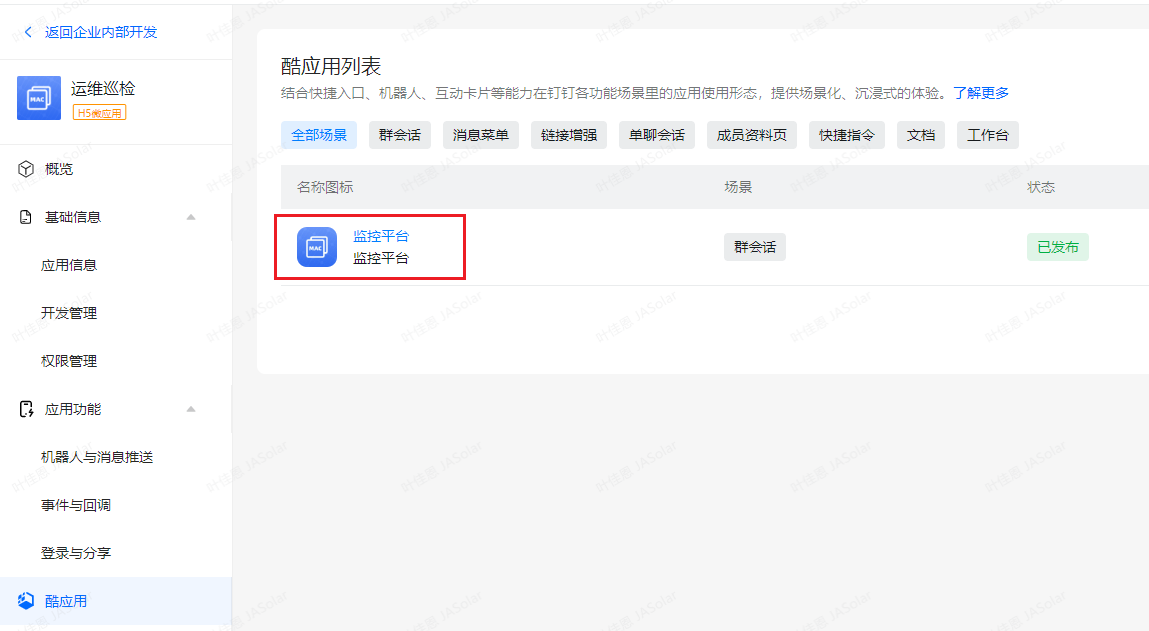
4.3、coolAppCode酷应用值获取
5、推送消息
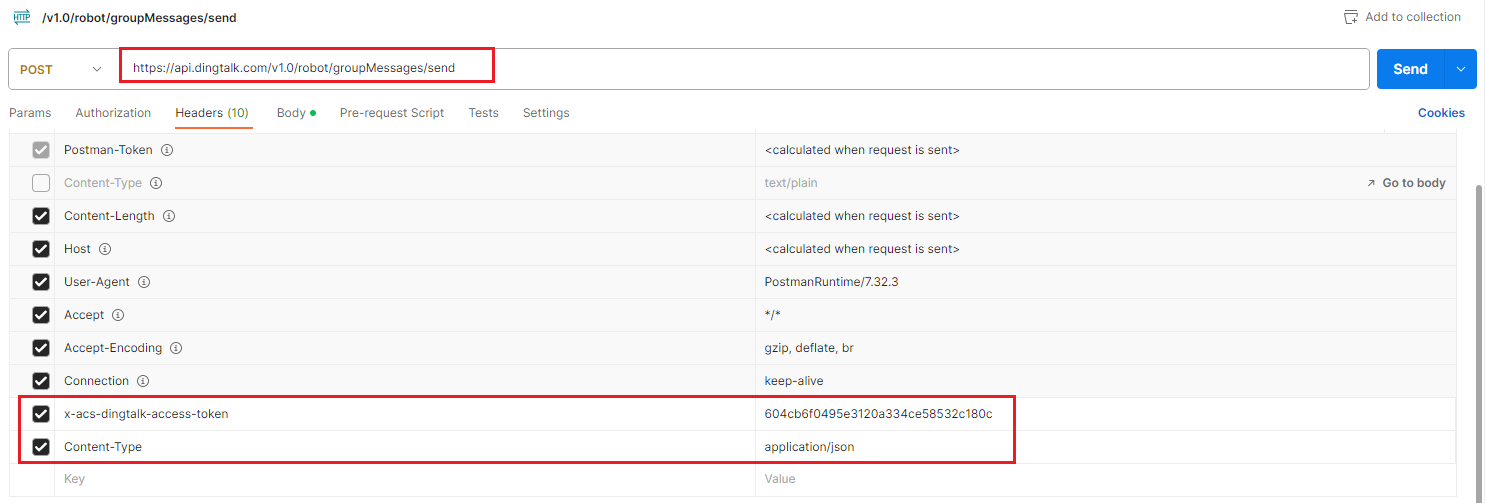
5.1、POSTMAN调试
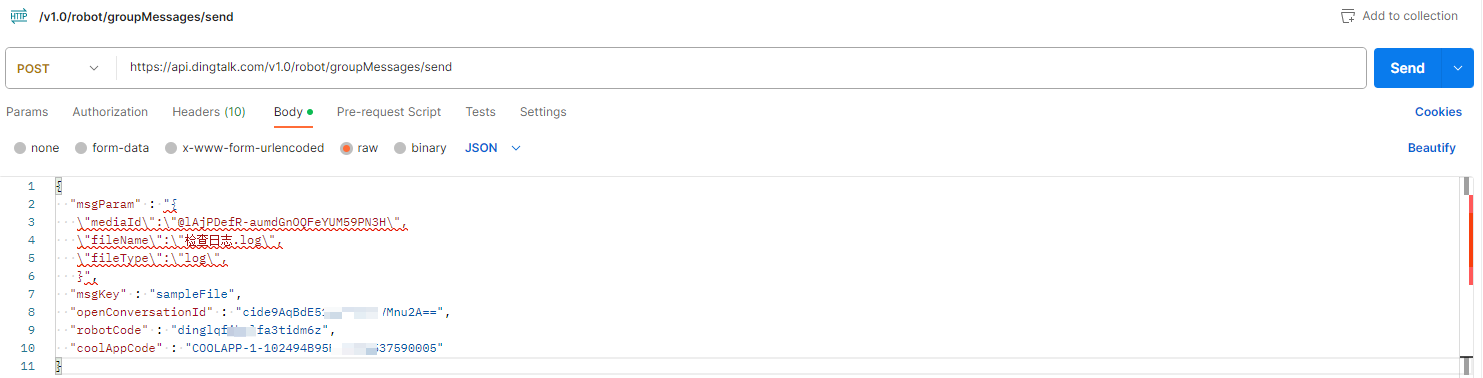
5.2、编写脚本,mediaid是上传钉钉云盘的文件信息
如何上传:https://www.yejiaen.com/?p=1386
    # 调用机器人前置工作
    AgentId = "1596240912"
    AppKey = "dinglqfibvlfa4tidm6z"
    AppSecret = "VwxBxWvJwhT9BafWKY5xsdfAO6rTv1BKXkJYUCn8mvl3a6UysfhtcMFUX0255SK5"

    # 请求地址
    URL = "https://oapi.dingtalk.com/gettoken?appkey=" + AppKey + "&appsecret=" + AppSecret

    # 发送请求获取access_token
    access_token = requests.get(URL)
    print(access_token.json()["access_token"])
    headers = {'Content-Type': 'application/json', 'x-acs-dingtalk-access-token': str(access_token.json()["access_token"])}
    URL = 'https://api.dingtalk.com/v1.0/robot/groupMessages/send'
    json = {
        "msgParam": "{"
                    "\"mediaId\":\"@lAjPDefR-aumdGnOQFeYUM59PN3H\","
                    "\"fileName\":\"检查日志.log\","
                    "\"fileType\":\"log\","
                    "}",
        "msgKey": "sampleFile",
        "openConversationId": "cide9AqBdE51kdcEjy/VMnu2A==",
        "robotCode": "dinglqfibvlfa3tidm6z",
        "coolAppCode": "COOLAPP-1-102494B95F9F210537590005"
    }

    sucmsg = requests.post(url=URL, json=json, headers=headers)
    print(sucmsg.text)
    print(sucmsg.status_code)
返回如下结果值代表成功