上传文件到钉钉
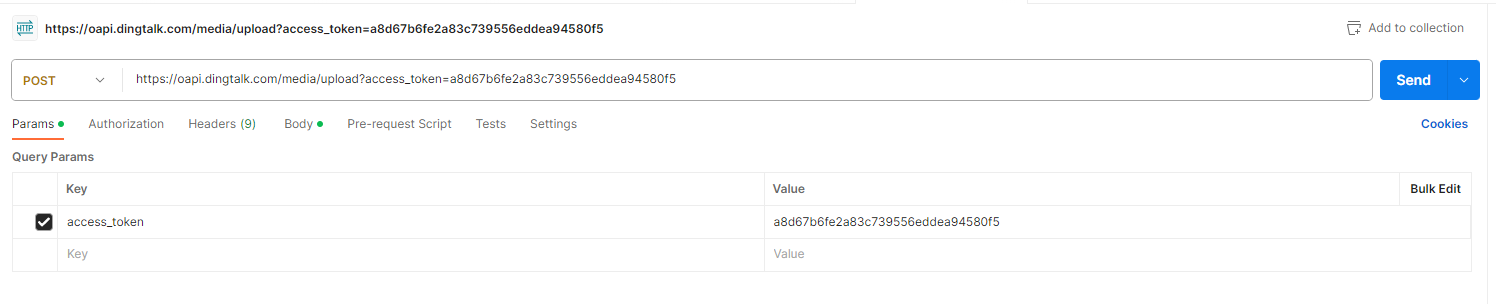
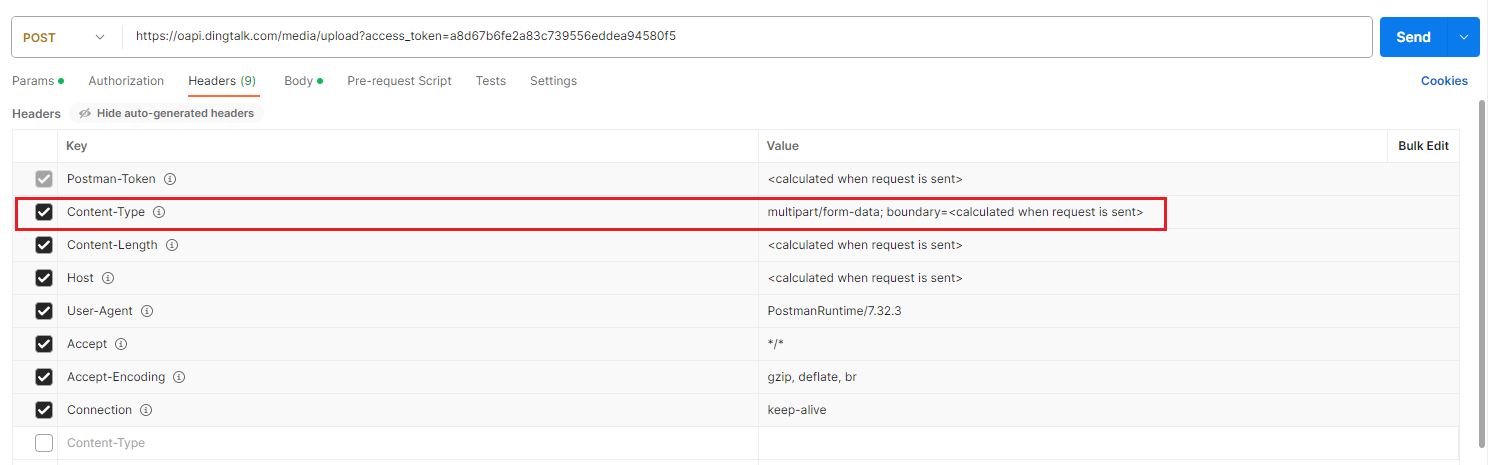
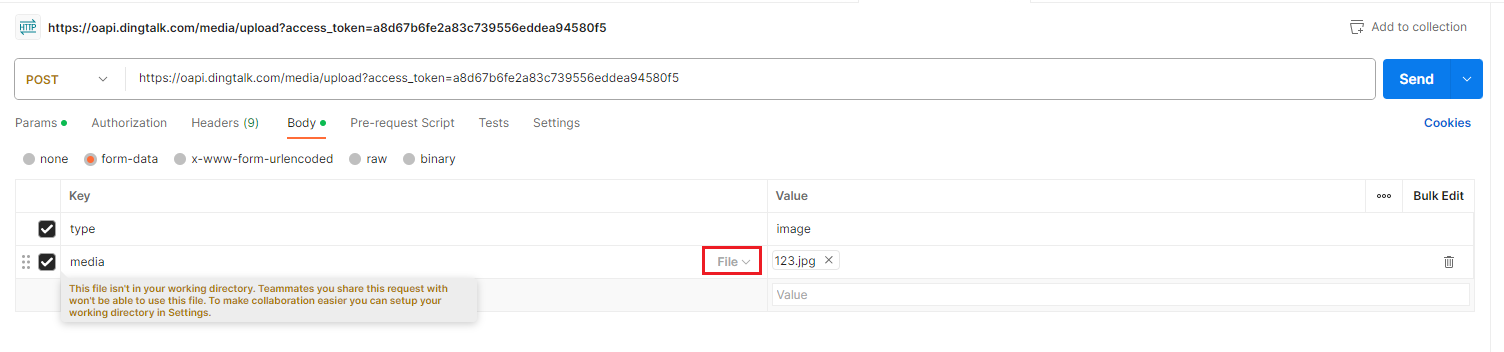
import requests

# 钉钉开放平台获取企业内部应用的AgentId、AppKey和AppSecret
AgentId = "1596240822"
AppKey = "dinglqfibvlfa3tidm7z"
AppSecret = "VwxBxWvJwhT8BafWKY5xsdfAO6rTv1BKXkJYUkn8mvl3a6UysfhtcMFUX0255SK5"

# 请求地址
URL = "https://oapi.dingtalk.com/gettoken?appkey=" + AppKey + "&appsecret=" + AppSecret

# 发送请求获取access_token
access_token = requests.get(URL)

# 上传路径
upload_url = "https://oapi.dingtalk.com/media/upload?access_token=" + access_token.json()["access_token"]

# 指定上传文件路径
files = {'media': open(r'C:/Users/ja014690/Desktop/123.jpg', 'rb')}
data = {'type': 'file'}

# 上传文件
response = requests.post(upload_url, files=files, data=data)
print(response.json())